SUBMIT SKINSUBMIT SKINSUBMIT SKIN
Spotted a missing skin? Send us a screenshot and we'll add it to the database.
Recently Added Skins
Check below before submitting — these skins were just added.
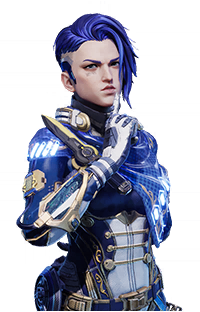
Abyssal Guardian
Zephyr
Rare

Abyssal Guardian
Windwalker
Rare

Farstar General
Serket
Superb
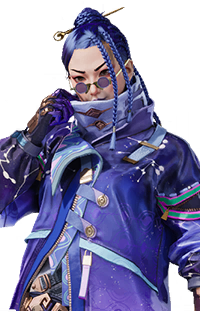
Cosmic Astrology
Kismet
Rare
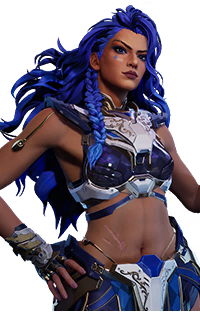
Abyssal Guardian
Ixchel
Rare
How to take a good screenshot
- Go to the in-game Arsenal and select the hero.
- Select the skin you want to submit.
- Press H to hide the HUD.
- Take a full-screen screenshot.
What happens next
Your screenshot is reviewed by the site admin, cropped to the correct format, and added to the database. You won't need to crop anything yourself.